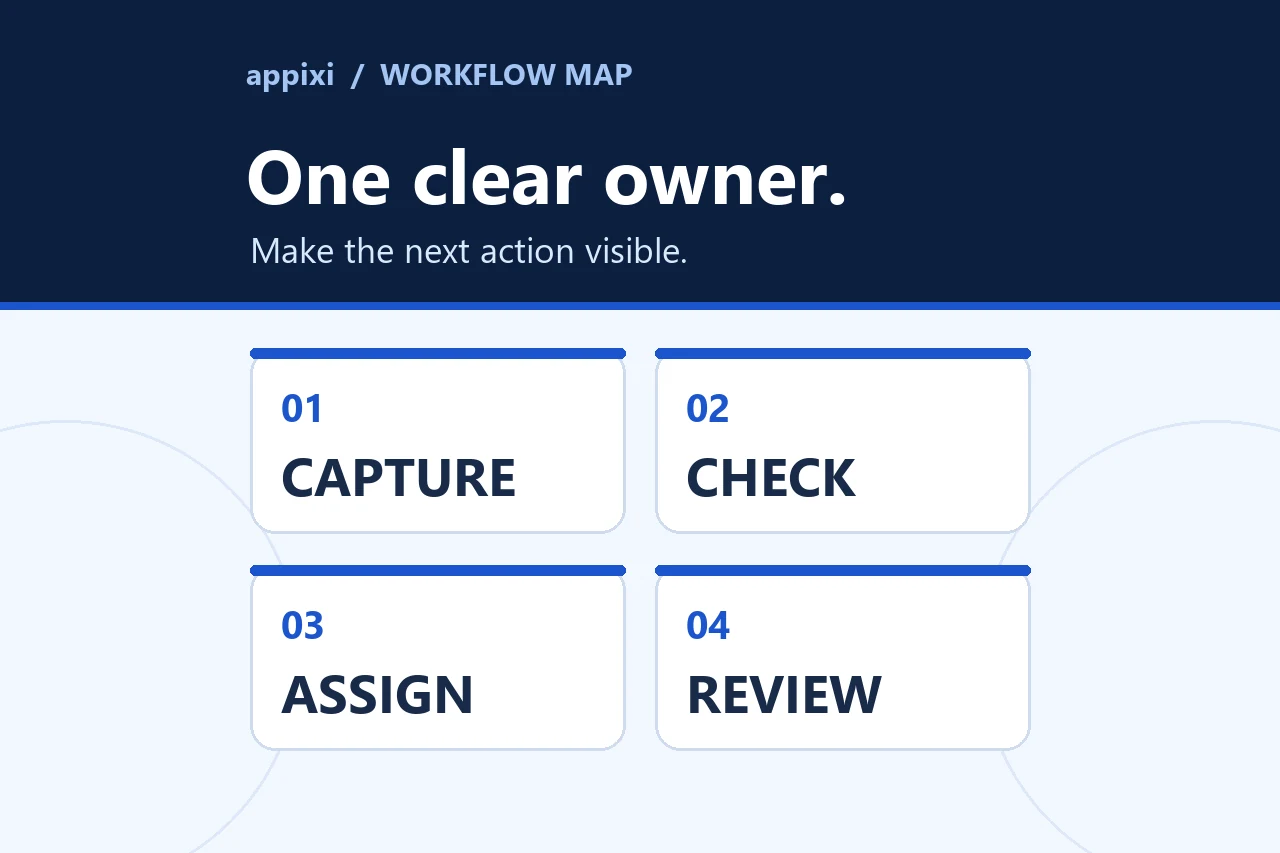
A lead can submit a working form and still disappear. The full path must preserve context, assign ownership, trigger the right next action, and stop automation when a person responds.
A working form does not prove a working lead path
A customer submits an enquiry and sees a confirmation. The website appears to have done its job. Behind that screen, however, the notification may go to an unattended inbox, the CRM may create an incomplete duplicate, the assignment rule may have no fallback, or the first response may never produce a second action.
These failures are difficult to see because each tool can report success inside its own boundary. The form accepted the request. The integration ran. The CRM contains a record. An email was sent. None of those events proves that a responsible person received the right context and moved the customer relationship forward.
The useful unit of review is the complete handoff:
Customer action → website confirmation → record creation → ownership → response → next action → outcome
A lead is not safely captured until the business can identify its record, owner, current state, and next step.
Begin with an inventory of every lead source
Do not test only the main contact form. List every place a new opportunity can begin:
- General contact and quote forms.
- Service-specific or location-specific forms.
- Landing pages and downloadable resources.
- Appointment or consultation scheduling.
- Advertising lead forms.
- Phone calls and call-tracking systems.
- Email, chat, text, and social messages.
- Referrals entered by a team member.
- Events, imports, and partner sources.
For each source, record the destination, required fields, consent language where applicable, integration method, CRM record type, owner rule, notification, expected response path, and fallback.
This inventory often reveals parallel processes that were added at different times. One form may create an opportunity while another sends only an email. Paid campaign leads may enter a separate list. Calls may never become records. The business cannot manage a single pipeline if the sources do not join it consistently.
Failure point 1: the website confirms too early
A success message should appear only after the website has enough evidence that the request was accepted by the intended server-side process. Client-side validation can confirm that required fields look complete, but it cannot prove that email delivery, CRM creation, or later routing succeeded.
Review the complete submission behavior:
- Did the browser send the intended payload once?
- Did the server validate and accept it?
- Was spam or bot screening handled without rejecting a legitimate request silently?
- Was the submission stored or forwarded through the approved path?
- Did the customer receive an accurate confirmation that avoids promising a response time the business has not committed to?
- Can the business investigate a failure without exposing private form data in browser logs or public files?
The website should also protect the customer from accidental duplicate submissions and explain recoverable validation errors clearly. If a third-party service fails, the fallback should preserve useful evidence or direct the customer to another factual contact route.
Failure point 2: the notification is treated as the record
An email notification is useful for attention, but it is a weak system of record. Messages can be filtered, forwarded, read without action, or left in a shared inbox where everyone assumes someone else responded.
The CRM record should preserve the business context required for the next decision:
- Contact and company identity where available.
- Requested service or reason for contact.
- Location or service area when it affects fit or routing.
- Original message and source page.
- Campaign or referral context when reliably available.
- Submission timestamp.
- Consent or communication preference fields required by the approved process.
- Owner, status, and next action.
Collect only information the business can use and maintain. A long form may improve routing context while discouraging completion or producing unreliable answers. Missing information should have a visible follow-up path rather than causing the record to disappear.
Failure point 3: the CRM creates the wrong record
Integrations can create a new contact for someone already known, attach an opportunity to the wrong company, overwrite a useful source, or leave the original message in a field nobody reviews.
Define matching and update rules before connecting the form:
- Which identifier is used to find an existing person or organization?
- When should a new enquiry update an existing record?
- When should it create a separate opportunity?
- Which source values should be preserved instead of overwritten?
- How are personal and shared email addresses handled?
- What happens when two records appear to match?
Duplicate prevention is not a single switch. It depends on the identifiers and relationships available across the website and CRM. Review realistic repeat submissions, not just a new test email address.
Failure point 4: routing has no accountable fallback
Assignment rules often begin simply and become fragile as services, territories, schedules, or team roles change. A rule may depend on a field the form does not require. It may assign leads to an inactive user. It may distribute records evenly without considering whether each person can handle that service or location.
A routing plan should state:
| Decision | Primary rule | Fallback question |
|---|---|---|
| Service fit | Assign to the responsible service owner or queue | Who reviews an unknown or overlapping service? |
| Geography | Use an accurate location or service-area field | What happens when the location is missing or outside scope? |
| Existing relationship | Keep the known account or relationship owner | Who acts when that owner is unavailable? |
| Capacity | Use an agreed availability or distribution method | Where does the record go when everyone is unavailable? |
| Priority | Escalate only from defined, dependable criteria | Who reviews a record that appears urgent but lacks evidence? |
Every route needs a visible exception queue with a named reviewer. “Unassigned” can be a useful temporary state only when someone is responsible for clearing it.
Failure point 5: alerts do not create ownership
A notification tells someone that something happened. It does not necessarily create responsibility.
The owner should be able to see:
- Why the record was assigned.
- What the customer requested.
- Which response or task is expected.
- When the next review is due.
- How to decline or reassign the lead with a reason.
- What escalation occurs when nobody accepts it.
Avoid sending the same generic alert to a large group. That pattern can produce fast activity and weak accountability. One person or queue should own the next decision, even when several people need visibility.
Failure point 6: the first response has no second action
The business may respond quickly and still lose the opportunity afterward. Acknowledgement is not the same as progression.
After the first response, the CRM should record what happens next. That may be a call, qualification question, estimate, appointment, document, follow-up date, or reason the enquiry is not a fit. The action should belong to a person and remain connected to the customer record.
Automation can support this path with acknowledgements, tasks, reminders, or appropriate nurture. It needs stop conditions. When the customer replies, books, changes stage, declines, or needs a personal conversation, the automated sequence should respond to that state instead of continuing blindly.
The message history, task, and stage must agree. A customer should not receive a generic “we have not heard from you” message while an active conversation is happening elsewhere.
Failure point 7: reporting stops at form submission
Website analytics can help identify where people begin and submit forms. Google Analytics documents form_start and form_submit as enhanced-measurement events and explains how a specific form submission can be configured as a key event.
Those events remain website signals. They do not prove that the CRM created a usable record, that an owner responded, or that the enquiry was qualified.
Connect measurement in layers:
- Website: form start, validation problem, accepted submission, call or scheduling action.
- Integration: delivery success, retry, rejection, and unresolved error.
- CRM: record created or updated, source preserved, owner assigned, first task created.
- Response: first meaningful action and the next agreed step.
- Outcome: qualified, disqualified with a reason, won, lost, or moved into another supported process.
Attribution has limits. Several systems may record different timestamps and identifiers, and privacy or platform boundaries may prevent a perfect chain. Document those limits rather than forcing every report to agree through unsupported assumptions.
Trace one test lead through the entire system
Use a controlled test that looks like a real enquiry. Record evidence at each checkpoint.
| Checkpoint | What to verify |
|---|---|
| Source | Correct page, campaign, phone number, scheduler, or referral path |
| Customer experience | Clear fields, useful errors, accurate confirmation, no duplicate submission |
| Server acceptance | Valid request accepted; invalid or suspicious request handled appropriately |
| CRM record | Correct contact, company, opportunity, source, message, and timestamp |
| Ownership | Correct owner or queue plus a dependable fallback |
| Notification | Reaches the person responsible and contains a safe link to the record |
| First action | Task, response, or review appears in the customer history |
| Automation | Expected message or reminder runs and stops under the right conditions |
| Reporting | Test record appears in the intended operational view without contaminating real results |
| Cleanup | Test data is marked and removed or retained according to the test procedure |
Repeat the test for an existing contact, missing routing information, an unavailable owner, and a customer reply. A path that works only for the cleanest new record is not ready.
Fix the earliest broken handoff first
Do not begin by adding a longer follow-up sequence when website submissions sometimes fail. Do not redesign dashboards when owners and stages are inconsistent. Repair the chain in dependency order:
- Reliable customer submission and server acceptance.
- Correct CRM record creation or update.
- Complete context and duplicate handling.
- Accountable routing and fallback.
- Human response and next-action ownership.
- Stage-aware automation and stop conditions.
- Reporting based on dependable events and definitions.
This sequence keeps later automation from accelerating an earlier defect.
Give the complete path one owner
Website, marketing, sales, operations, and CRM administrators may each own part of the system. Someone still needs authority to review the complete customer path, coordinate changes, and confirm that a release did not break a downstream handoff.
The owner does not have to perform every technical task. The role is responsible for the shared definition of a successful lead, the exception process, the test procedure, and the decision to accept a change.
Lead Capture & Routing focuses on dependable record creation, context, ownership, and exceptions. Sales Follow-Up Automation handles tasks, messages, reminders, and stop conditions after the first handoff. If the underlying records and stages remain unclear, begin with the small-business CRM setup framework and CRM Strategy & Setup.
If customers are submitting requests but the team cannot reconstruct what happened next, start a conversation with Appixi and bring the active lead sources, current routing rules, CRM stages, and one example of a handoff nobody trusts.