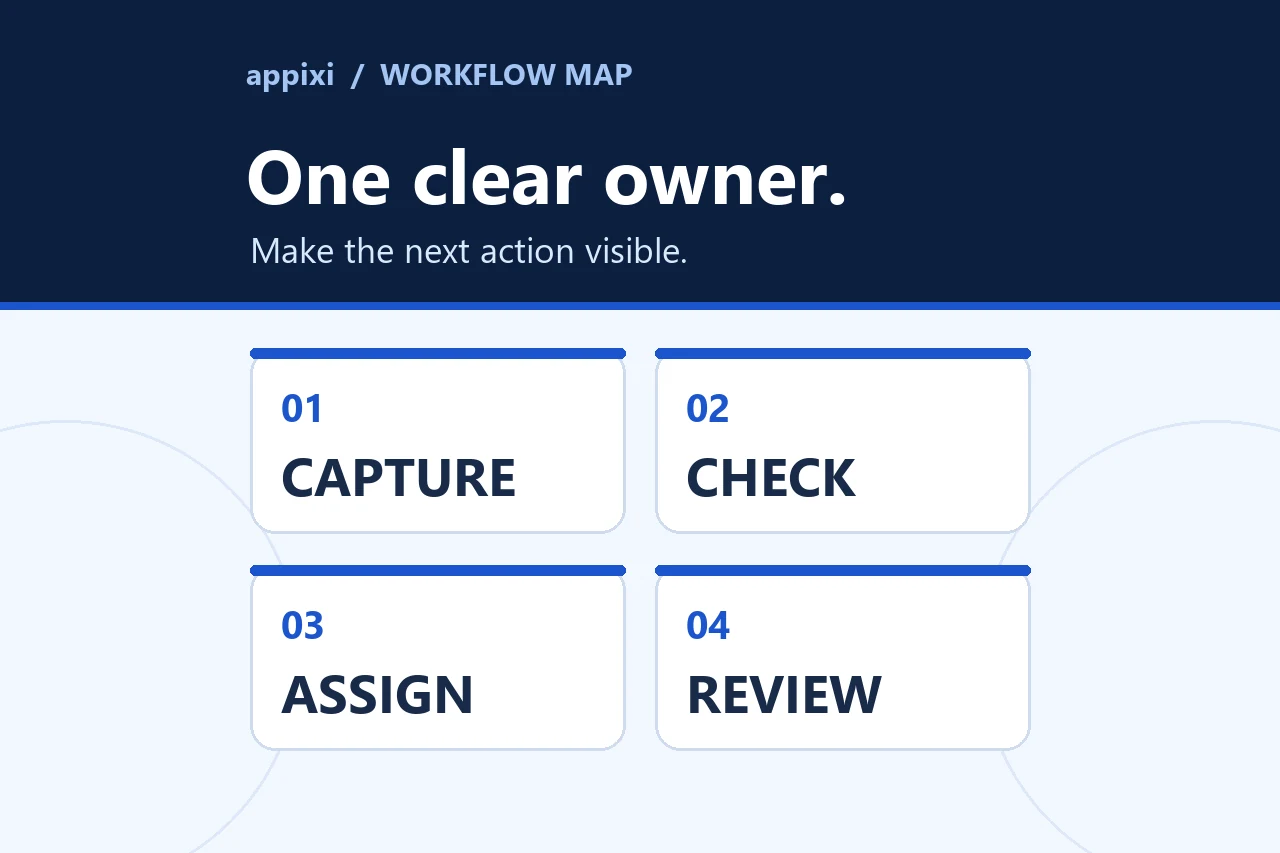
A useful CRM setup gives customer work a shared structure. It should make ownership, next actions, and reliable reporting easier without turning every conversation into data entry.
A CRM setup should make customer work easier to see
A customer relationship management system can hold names, messages, opportunities, tasks, and reports. That does not mean a small business needs every available object, field, workflow, or dashboard on launch day.
The useful question is simpler: what must the team know to move a real customer relationship forward without losing context or ownership?
A good setup gives that work a shared structure. It identifies which records matter, how an opportunity progresses, who owns the next action, and which information deserves to be maintained. It should reduce private spreadsheets and inbox searches without replacing judgment with an elaborate administration project.
Configure the CRM around decisions people already need to make. Do not force the business to imitate a software demo.
Start with the result the CRM must support
Before comparing platforms, name the operational problem. A CRM can support several kinds of work, but the first release should have a clear priority.
The business may need to:
- Keep every new enquiry in one dependable place.
- Assign leads by service, territory, relationship, or capacity.
- See which opportunities require a next action.
- Preserve customer history when responsibility changes.
- Coordinate sales and service handoffs.
- Replace a report assembled manually from several files.
These are different starting points. A business trying to stop missed enquiries needs reliable capture and ownership before it needs an elaborate forecast. A team replacing disconnected spreadsheets may need data standards and migration rules before automation.
Write the first objective as an observable change. “Use the CRM more” is not specific enough. “Every qualified website enquiry has an owner, source, status, and next action” gives the setup something concrete to accomplish.
Map one customer path from beginning to end
Follow one realistic customer from first contact through the point where the business considers the work won, lost, completed, or moved into an ongoing relationship.
For each step, record:
- What event begins the step.
- Which information is available.
- Who becomes responsible.
- What decision must be made.
- What evidence allows the record to move forward.
- What should happen when information is missing or nobody accepts ownership.
This exposes gaps that a platform comparison cannot. A form may collect a service but not a service location. A salesperson may qualify an opportunity in email while the CRM still shows it as new. A project may begin without the original promise or decision maker following it into the delivery system.
The CRM does not have to manage every operational detail. It does need a clear boundary with quoting, scheduling, accounting, project delivery, support, and marketing systems. That boundary determines which information should remain in the CRM and which events should pass between tools.
Choose the records and relationships the team needs
Most setups begin with a small set of record types:
- Contacts for individual people.
- Companies or accounts when several people belong to one organization.
- Opportunities or deals for a specific potential purchase or engagement.
- Activities for messages, calls, meetings, notes, and tasks.
- Tickets or service records when post-sale requests need their own ownership and status.
Not every business needs all of them. A residential service company may organize work around a person, property, enquiry, and appointment. A business-to-business firm may need a company record connected to several contacts and opportunities. A membership organization may care more about renewal and participation than a traditional sales deal.
Define each record in plain language and decide what makes it unique. If two employees would create the same customer differently, imports, automation, and reports will eventually inherit that disagreement.
Build pipeline stages around evidence
Pipeline stages should describe meaningful changes in the opportunity, not a vague sense that work is progressing. Each stage needs an entry condition, an owner, and evidence for leaving it.
| Stage purpose | Useful evidence | Weak substitute |
|---|---|---|
| New enquiry | A valid request was received with enough information to review | Someone opened an email |
| Qualified | Need, fit, authority, timing, or another agreed criterion was confirmed | The lead seems promising |
| Solution defined | The scope or recommended next step is understood | A meeting happened |
| Proposal or estimate | The agreed document was delivered to the right person | A document was drafted |
| Decision pending | A decision process and next follow-up date are known | Waiting indefinitely |
| Closed | The outcome and reason are recorded | The record became old |
Use only the stages the team can distinguish consistently. Adding more stages can make a pipeline appear precise while increasing disagreement about where records belong.
Keep fields limited and purposeful
Every required field adds work. Keep it only when the information supports routing, qualification, service, reporting, compliance with an applicable process, or a later customer decision.
For each proposed field, ask:
- Who supplies it?
- When can they know the answer?
- Who uses it next?
- Is a controlled option more useful than free text?
- What happens when the value is blank?
- Does the information already exist in another trusted system?
Separate facts from internal judgments. Contact details, requested service, source, and appointment date are facts. Fit, priority, confidence, and forecast category require definitions so two people can apply them similarly.
A small number of dependable fields is more useful than a large record that is usually incomplete.
Plan migration before importing old data
Moving existing contacts into a CRM is not a copy-and-paste exercise. Old files may contain duplicates, inconsistent company names, outdated owners, mixed date formats, private notes, or columns nobody can explain.
Prepare the move in a separate working copy:
- Inventory every source and name its owner.
- Decide which records belong in the new system.
- Map old columns to the approved CRM fields.
- Choose reliable unique identifiers and duplicate rules.
- Standardize controlled values such as status, service, and owner.
- Test a small import and inspect the resulting records and relationships.
- Reconcile record counts and material exceptions before the full move.
HubSpot's current import guidance illustrates why unique identifiers matter when updating, associating, and avoiding duplicate records. The exact identifiers and import behavior vary by platform, so document the rules selected for the system being implemented.
Do not delete or overwrite the original source merely because the first import completed. Keep a controlled backup and an exception log until the migrated data has been reviewed.
Connect capture, routing, and follow-up as one path
Website forms, advertising responses, calls, scheduling tools, and manual referrals can all create CRM records. Each source should produce a predictable minimum record with source context, a timestamp, an owner or fallback queue, and a visible next step.
This is where a CRM setup becomes an operating system rather than a database. The capture method, record model, assignment rule, notification, task, and follow-up condition must agree.
Test the complete handoff. A form displaying a success message does not prove the CRM created the right record or alerted someone who can act. The companion guide on where leads get lost between a website, CRM, and sales follow-up provides a step-by-step diagnostic path.
Set ownership, access, and change rules
CRM access should follow the work each role needs to complete. Decide who can view, create, edit, export, delete, merge, configure automation, and change system settings. Sensitive or regulated information may require additional review outside a general CRM setup.
Name operational ownership as well:
- Who accepts an unassigned lead?
- Who corrects duplicate or incomplete records?
- Who approves new fields and stages?
- Who maintains integrations and handles failures?
- Who removes access when a role changes?
- Who reviews whether the system still matches the process?
Without a change rule, a tidy CRM gradually becomes a collection of one-off fields, lists, and workflows. Small changes should have a reason, an owner, and a way to confirm that existing records and reports still work.
Build reports from decisions backward
Start each report with the question someone will act on. “Which qualified opportunities have no next action?” can become a useful operating view. “How many records exist?” may be accurate but rarely changes a decision.
A practical first reporting set might show:
- New enquiries by source and service.
- Records without an owner or next action.
- Opportunities by stage and time in stage.
- Follow-up tasks due or overdue.
- Outcomes and recorded reasons.
- Data-quality exceptions that affect the other reports.
Define the dates, stages, owners, and inclusion rules behind each number. A dashboard should not imply certainty that the underlying records do not support.
Test realistic scenarios before launch
Use test cases that include both the common path and uncomfortable exceptions:
- A new person from a known company.
- An existing contact submitting a second enquiry.
- A record missing the field used for assignment.
- An owner who is unavailable or has left the team.
- A customer who replies after an automated message.
- A lost opportunity that returns later.
- An import row that matches more than one record.
Confirm the record, relationships, assignment, notification, task, reporting, and stop conditions for each case. Then train people around their actual work, not every menu in the platform.
A practical CRM setup checklist
| Area | Decision to complete before launch |
|---|---|
| Objective | The first operational problem and observable outcome |
| Customer path | Steps, owners, decisions, exceptions, and system boundaries |
| Records | Required record types, relationships, and unique identifiers |
| Pipeline | Stages with entry and exit evidence |
| Fields | A limited data dictionary with purpose and owner |
| Migration | Source inventory, mapping, cleanup, test, and reconciliation |
| Capture | Minimum context, record creation, routing, and fallback |
| Follow-up | Tasks, messages, stop conditions, and human ownership |
| Access | Role permissions and account-change procedures |
| Reporting | Defined questions, inputs, and action owners |
| Adoption | Role-based training, documentation, and review cadence |
Improve the process before replacing the platform
A new CRM is not always the answer. The current system may become usable after stages, fields, ownership, views, and integrations are simplified. Replacing it is more appropriate when the platform cannot support a necessary process, ownership cost is no longer sensible, required connections are unavailable, or the existing data model prevents dependable work.
CRM Strategy & Setup covers platform fit, records, pipelines, migration, permissions, and adoption. Lead Capture & Routing addresses the first handoff, while Sales Follow-Up Automation and CRM Reporting & Integrations extend the system after the foundation is trustworthy.
If the CRM feels busy but the customer path remains difficult to see, start a conversation with Appixi and bring the current pipeline, data sources, users, and the decisions the system should make easier.